
Why a good email signature is much more than just a nice ending
Emails are one of the most frequently used communication tools in everyday working life – and at the same time, one of the most underestimated when it comes to their impact on potential customers, partners, or applicants.
While the text content is usually carefully crafted, the signature is often overlooked or poorly designed – yet it's precisely this signature that appears as a visual calling card at the end of every message. It helps determine whether you are perceived as professional, trustworthy, and approachable.
And this is exactly where a simple but effective optimization option lies: A well-designed email signature can strengthen your branding, build trust and even help you to get more feedback and contacts – provided it is clearly structured, visually appealing and has a meaningful content.
Best of all, you don't need any technical or design knowledge. With the free HubSpot Email Signature Generator You can create a high-quality signature in just a few minutes – with a logo, social links, colors, fonts, and everything else that goes with it.
What is the HubSpot Signature Generator?
The HubSpot Signature Generator is a free online tool for creating professional email signatures. It lets you easily generate an HTML format that you can then insert into your email program.
Advantages at a glance:
- No registration required
- Works in all common mail clients (Outlook, Gmail, Apple Mail, etc.)
- Customizable templates, colors and fonts
- Possibility to integrate logo, profile picture and social media icons
- Ideal for sole proprietors, SMEs, agencies, teams and freelancers
👉 Click here to go directly to the tool
This content belongs in a professional email signature
An effective email signature not only provides information but also underscores your positioning, your values, and your way of working. Here are the key components:
- First and Last Name
- Position / Department / Company
- Telephone number and email address
- Website
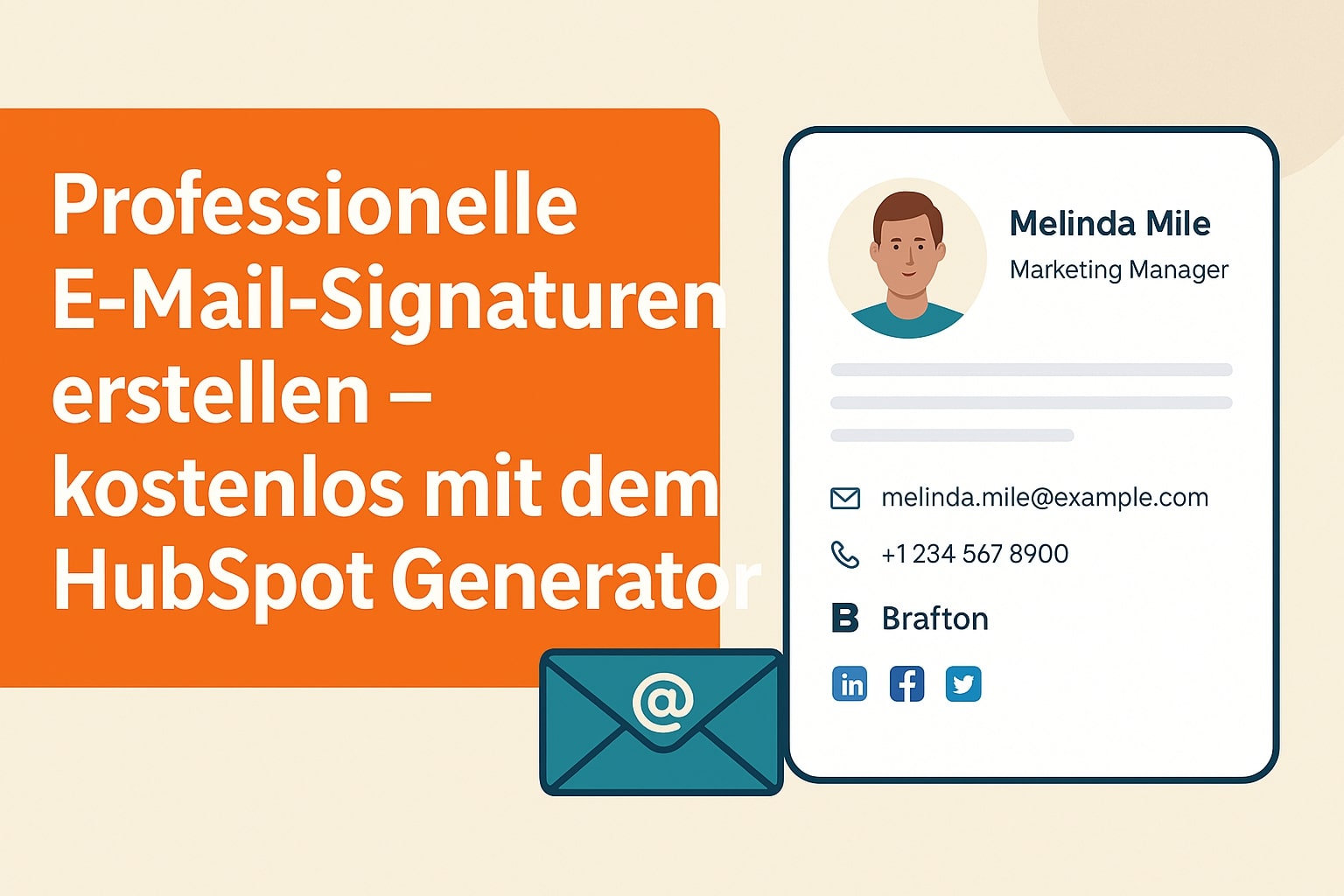
- Logo or profile photo
- Links to relevant social networks (LinkedIn, Instagram, etc.)
- Legal notice or privacy disclaimer (if necessary)
Important: Make sure your signature is clear and concise. A cluttered signature can quickly appear unprofessional or intrusive. Less is often more.
Step-by-step: How to create your email signature with the HubSpot Generator
1. Enter contact details
Enter your full name, position, company, phone number, email address, and, if applicable, your website. Add links to social media or booking tools if desired.

2. Add logo and profile picture
You can upload your company logo and/or a personal photo. Images build trust and make your signature instantly recognizable.

3. Select template
Choose one of the six available signature designs to match your style. All templates are responsive and modern.

4. Adjust styles slightly
Adapt colors, fonts, and spacing to your corporate design. This ensures that every email underscores your professional image.

5. Generate and copy signature
With one click, your HTML code will be generated. You can then paste it into your email program:
- Gmail: Settings > Signature
- Outlook: File > Options > Email > Signatures
- Apple Mail: Settings > Signatures > New
- Other clients: See respective help page
Team consistency: Why everyone should use the same signature
A consistent corporate identity is especially important for companies with multiple employees. A central template with predefined colors, logo, layout, and contact information format helps communicate professionally and build trust in the brand.
Tip: If you want to create a template for your team, you can also use the HubSpot Generator multiple times and organize your signatures centrally.
Best practices for everyday use
- Use a maximum of two fonts and avoid too many colors
- Don’t link too many external pages – focus on relevance
- Use social icons only where you actively communicate
- Keep the signature mobile-friendly (no logo too big, no overly wide elements)
Optionally, you can also add a Call-to-action add to:
e.g. “Book an appointment”, “Request a call back now” or “Go to the latest blog article”.
Conclusion: Small optimization, big impact
Your email signature is often the last point of contact after a message—and therefore the last impression you make. With a clear, well-thought-out design, you can achieve a lot:
- You appear more competent and committed
- Your brand becomes more visible
- Queries and interactions become more likely
- You build trust even before a conversation takes place
The HubSpot Signature Generator makes this step extremely easy for you – free, fast, and without any prior technical knowledge. It would be a shame not to take advantage of this potential.
Further information:
If you want to embed your signature even more firmly into your entire digital communication – or if you want to create a consistent look for your team – I'd be happy to support you.
I offer you:
- Signature templates for your entire team
- Corporate design consulting
- Technical integration & implementation
- Layout adjustments for your website or newsletter
Just get in touch – and we’ll turn your email footer into a true brand ambassador.